Attach your codes
CSV or ZIP/RAR containing files from e-Mark or your software.
 DATAMATRIX & LABEL SOLUTIONS
DataMatrix code printing • Verification • Aggregation • Tracking
No registration required · Paper and polypropylene
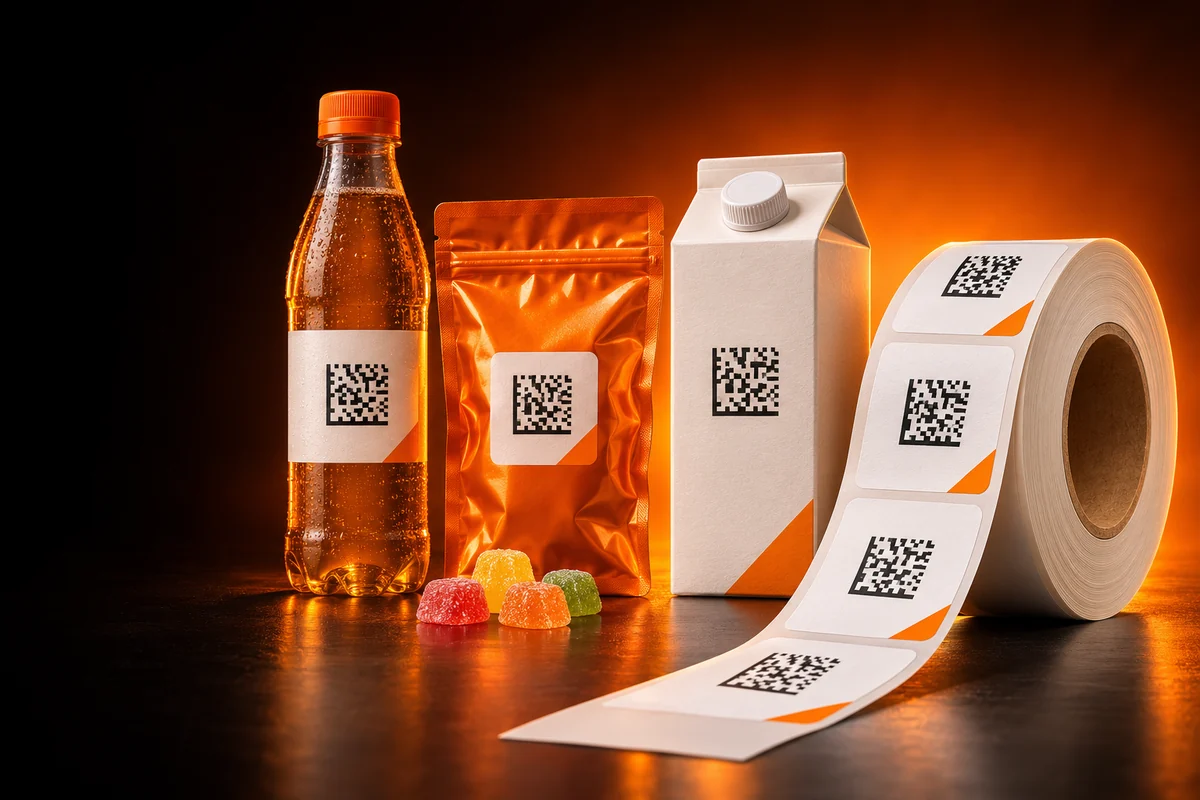


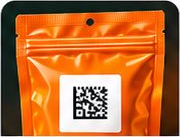


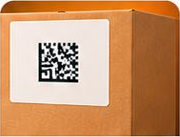
These images show examples of labels. The codes are for illustration only.
 Data Matrix printing
 Packing into cases
 Aggregation (case → pallet)
 Tracking and verification
You receive printed labels with all packaging levels already linked: products to boxes and boxes to pallets. All codes are checked and confirmed in the E-Mark system.
You don’t need separate aggregation software. Just apply the labels.
Simple, convenient, and affordable.
The kit includes labels for products, boxes and pallets.
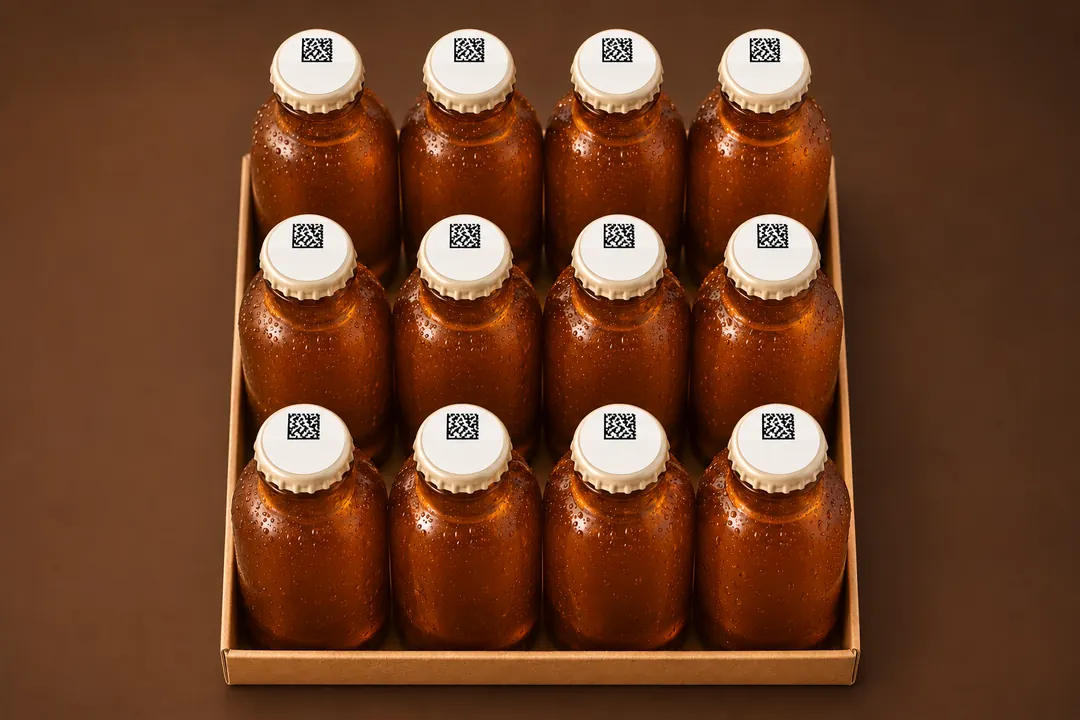 Box 1,
bottle 1
Box 1,
bottle 2
Box 1,
bottle 3
Box 1,
bottle 4
Box 1,
bottle 5
Box 1,
bottle 6
Box 1,
bottle 7
Box 1,
bottle 8
Box 1,
bottle 9
Box 1,
bottle 10
Box 1,
bottle 11
Box 1,
bottle 12
Apply the assigned label to each product.
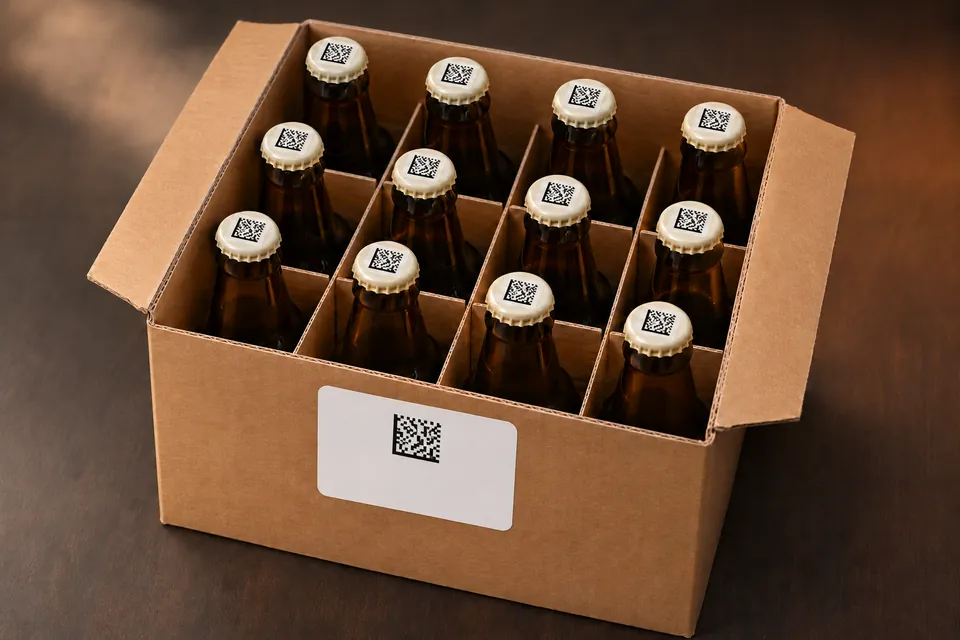 Box 1
Pack the products in their assigned boxes and apply a label to each box.
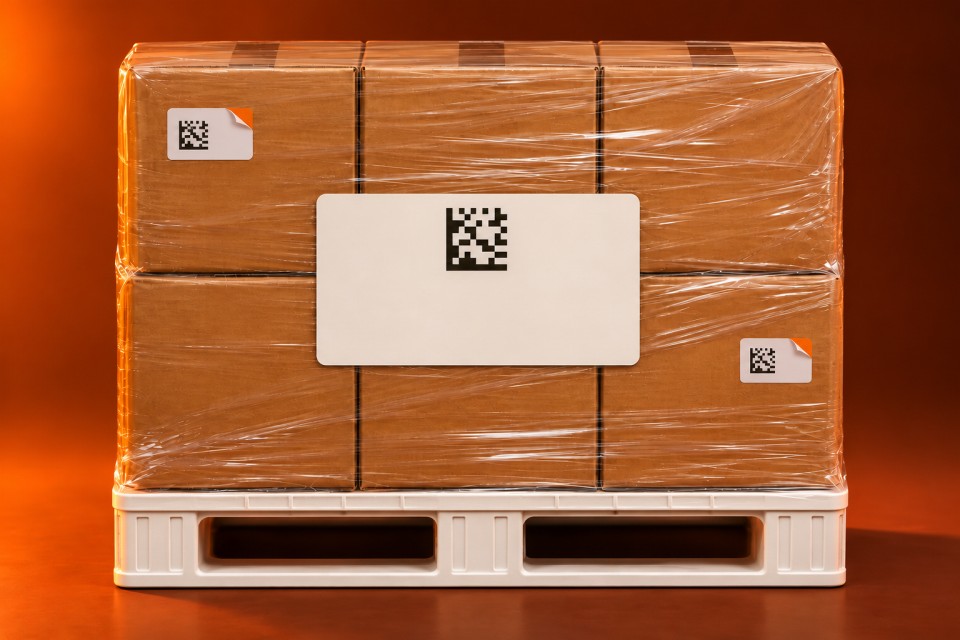

(00) 000000000000000017
Place the boxes on their assigned pallet and apply the pallet label.
Follow the grouping supplied with the kit: product → box → pallet.
The print shop confirms available shapes and sizes. If you are unsure, we will help you choose.
Order aggregationPrepare company details and set up access to marking systems.
Prepare product information and obtain codes in the marking system.
Labels for products, boxes, and pallets.
Check that labels can be read after printing.
Track codes and links between products, boxes, and pallets.
Help with files and setting up the marking process.
CSV or ZIP/RAR containing files from e-Mark or your software.
We will review the files and settings, then agree the price.
Updates are sent by email. Collection or delivery.